
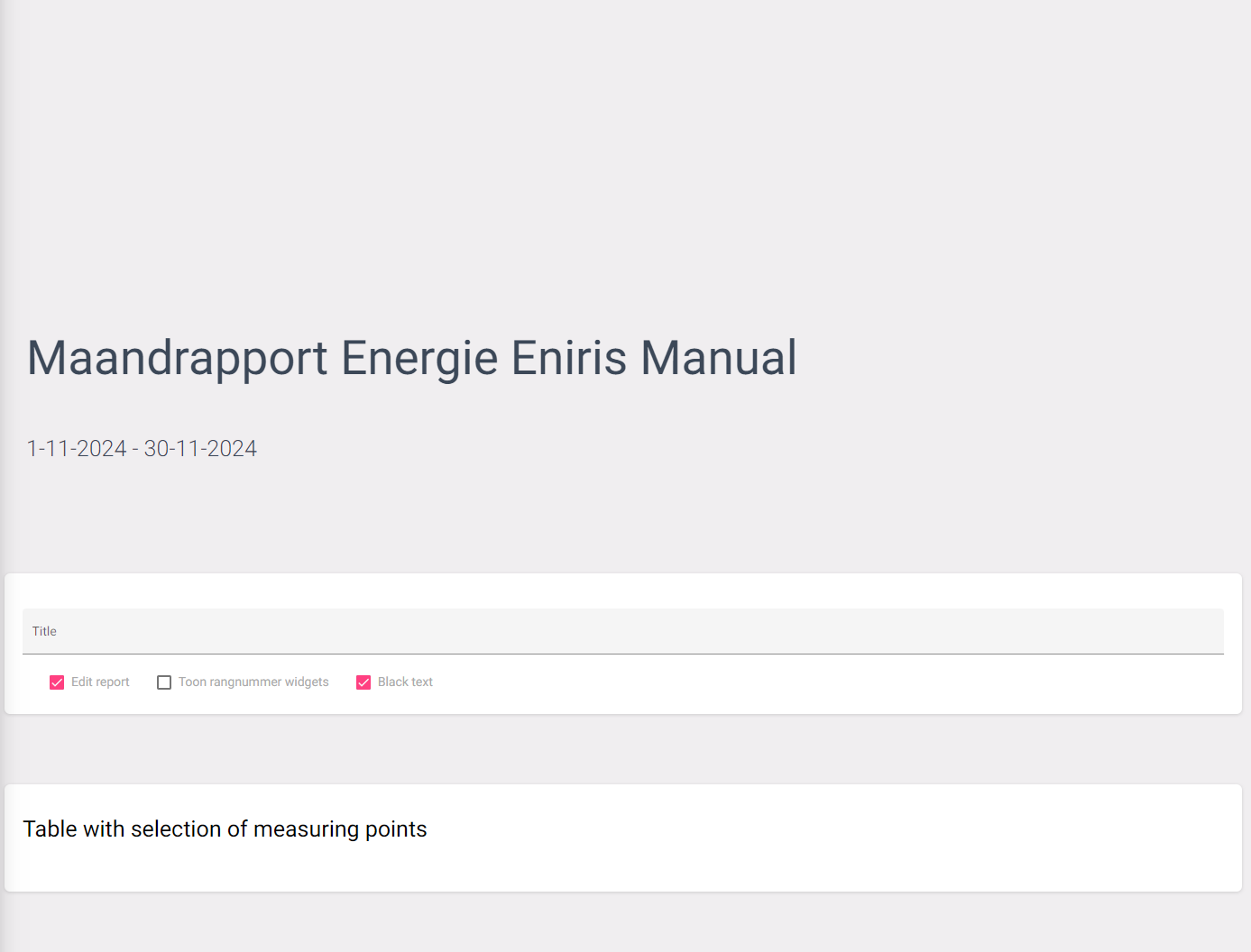
In order to edit a report you have to make sure the 'Edit report' box is checked. This will give you a list of widgets that you can choose to put on the report.
When pressing on a title, the settings page of the corresponding widget will open. Activating a widget will place it on the report.
And that's it. This is very similar to creating dashboards. For more information about widgets, use the button below.
Widget
(Widgets)
Last updated March 10, 2026Edit this page