
Supported Devices
This driver utilizes the Zendure SolarFlow Local API to provide real-time monitoring and control of the SolarFlow ecosystem.
| Device Type | Cloud API |
|---|---|
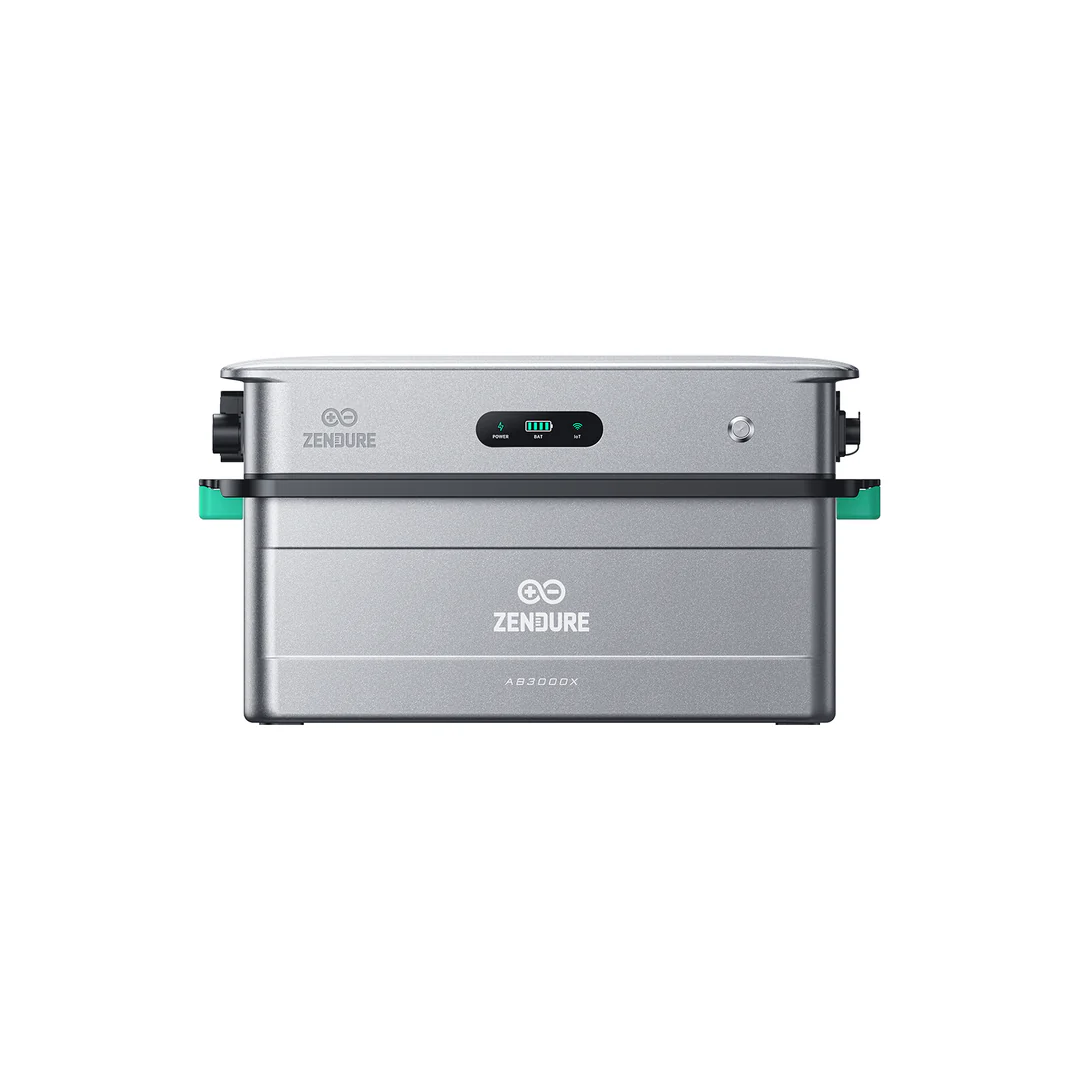
| SolarFlow Hub (2400AC) | ✅ |
| SolarFlow Mix series |
Tip
Tip
Related Hardware If you are using the Zendure P1 Smart Meter to monitor your grid connection, please refer to the Zendure P1 Meter Documentation.
Configuration
1. Local Network Requirements
The Zendure Hub must be reachable via Port 80 on your local network.
To ensure the Controller maintains a consistent connection, you should assign the connection via MAC Address Reservation.
2. Authentication
The driver requires a unique Authentication Key (Handshake Key). The API Key can be acquired via the app → account → Authentication Cloud Key.
Important
Important
This key is required for local API access. It serves as the security token for control functionallity
Troubleshooting
- Incomplete Response: Ensure the Hub is not being polled by multiple local instances simultaneously, as the local API can be sensitive to high-frequency requests.
- Command Failures: Re-add the device with your current account credentials and ensure it is in a state that allows remote control (e.g., HEMS = OFF).
Last updated May 7, 2026Edit this page