
Controllers Toolbox
Update Controller
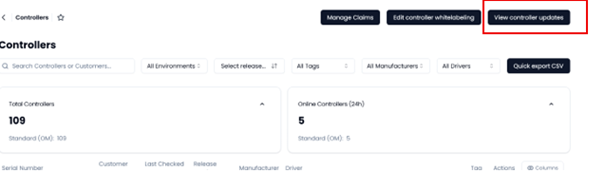
- Go to the Controllers tab in the Toolbox.
- Click on the view controller updates.
- Select the controller you want to update.
- Select the artifact (version) you want to update to.
- Confirm the deployment.
- Press the create deployment button.
Controller Online
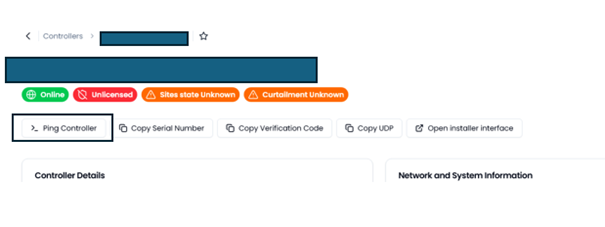
- Go to the Controllers tab in the Toolbox.
- Click on the controller you want to view.
- Click on the ping controller button.
Info
When ping fails please check the following:
- Is the cabling correct?
- Are the ports from the firewall open? the network guide
Last updated March 11, 2026Edit this page