
Location / address
Note
Note
The SmartgridOne Controller uses its location to retrieve local weather forecasts. This is necessary for accurate control of connected devices.
If you wish to not share the exact address for privacy reasons, use the name of a nearby town or city instead.
Note
Note
The location is requested during the initial setup. You can change it later under the "Settings" menu in the commissioning interface, in the "Location" submenu.
Tip
Tip
Troubleshooting
If you have have trouble setting the address, see also "Troubleshooting: Address / Location".
-
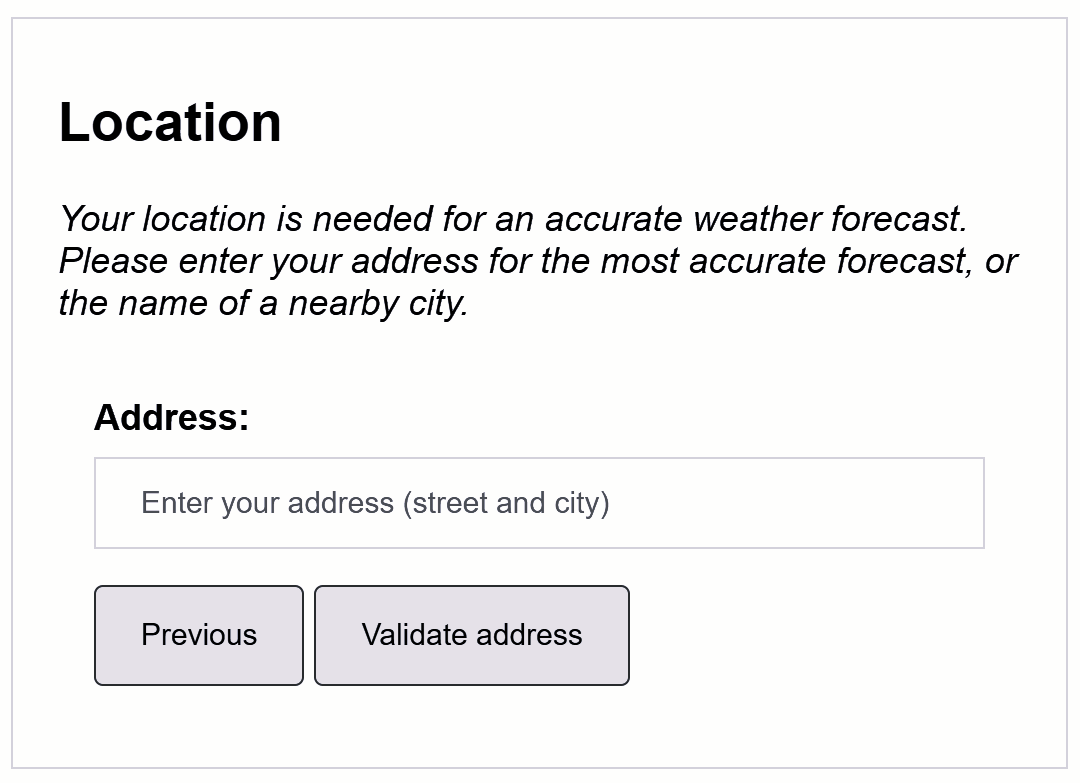
Enter the installation's address.
-
Click "Validate address".
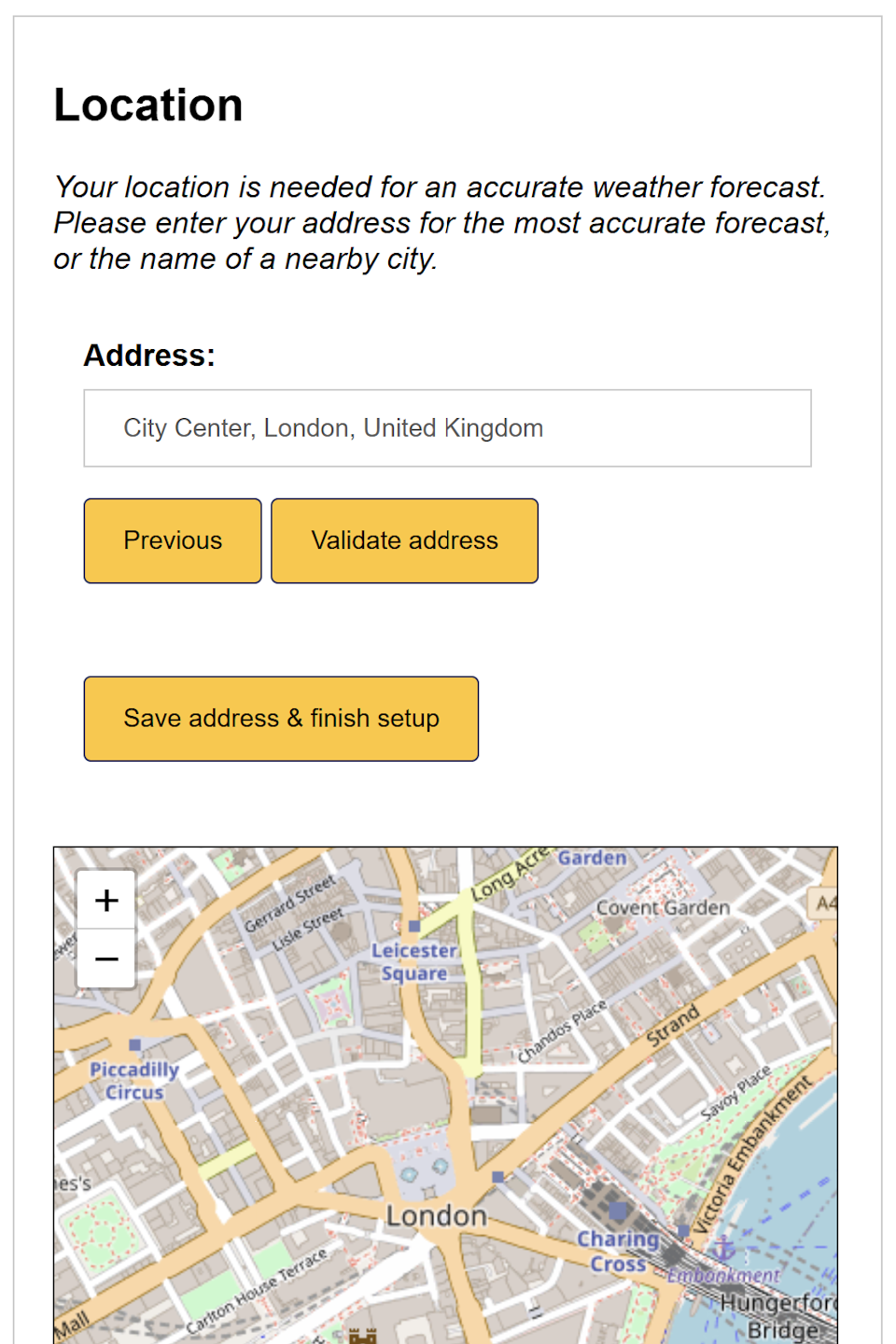
- Check on the map if the location of the address is correct, and click "Save address".
Last updated March 11, 2026Edit this page