
PV panel configuration
Note
Note
The PV panel configuration is requested during the initial setup. You can change it later under the "Settings" menu in the commissioning interface, in the "PV installation details" submenu.
Note
Note
The panel configuration is used to improve the accuracy of predicted PV production.
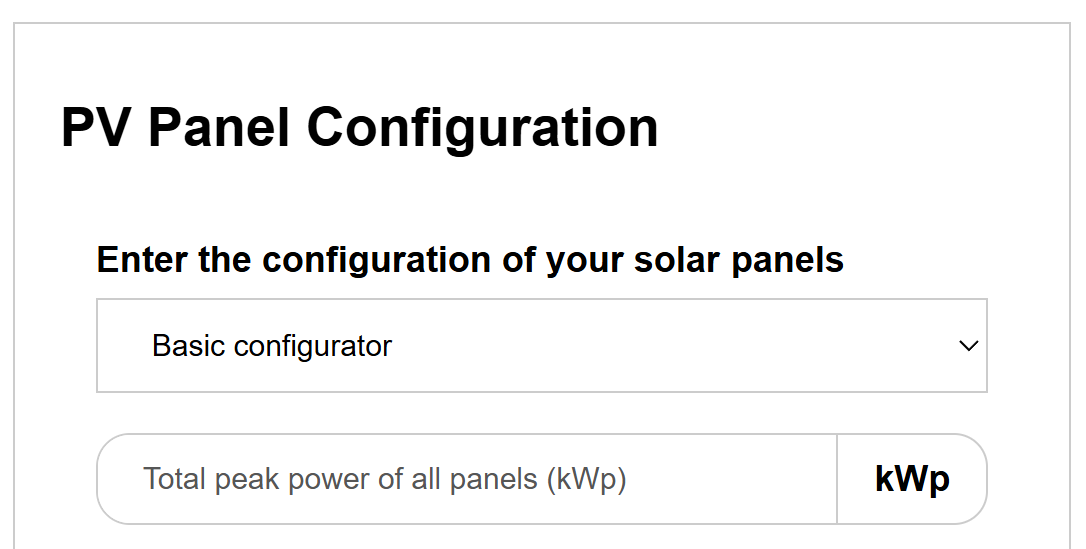
You have a choice between the simple and advanced configurator.
In the simple configurator, you only enter the total output of the PV system.
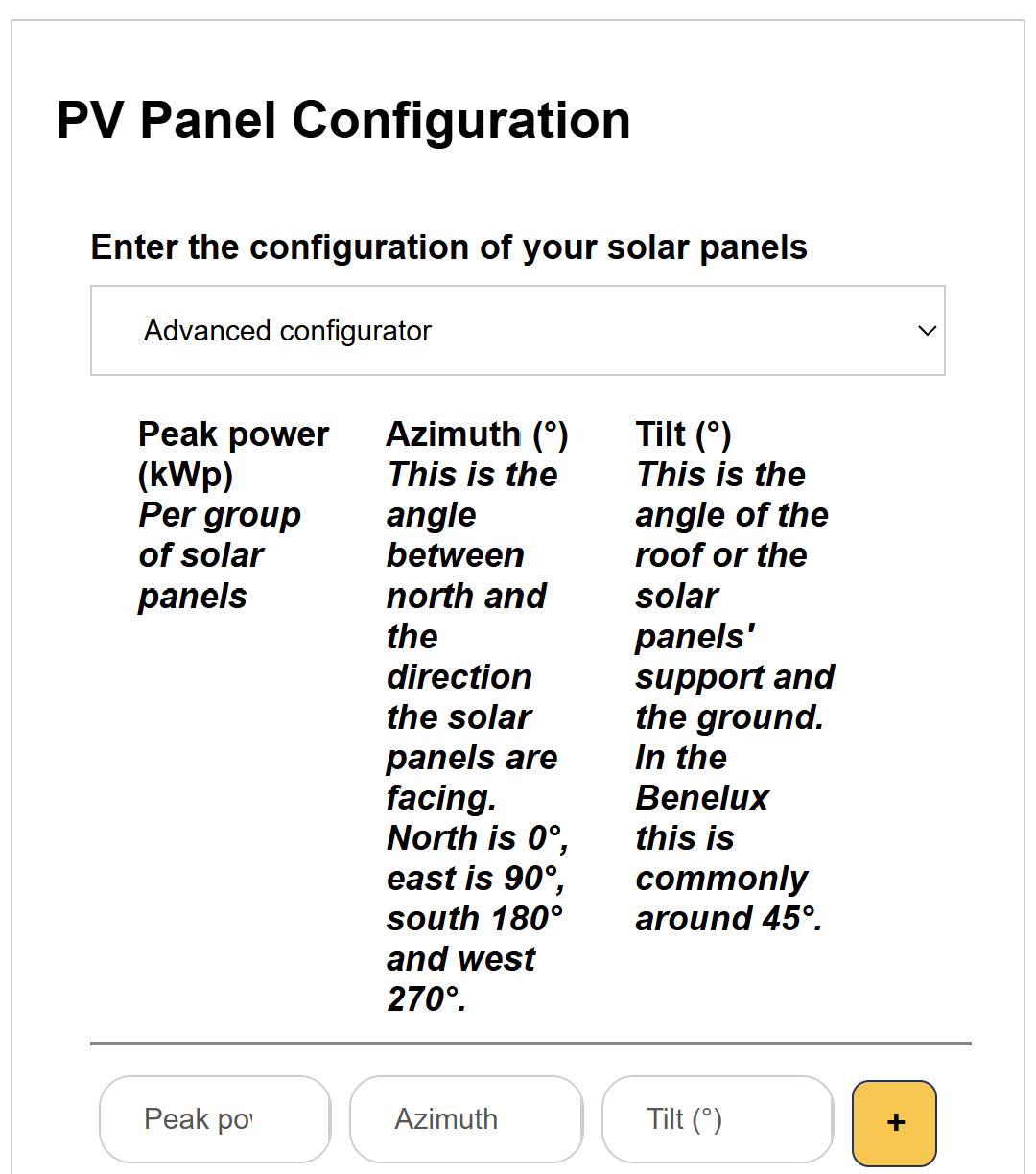
In the advanced configurator, you can account for configuration down to the panel level.
Last updated December 11, 2025Edit this page