
Huawei Energy Meters
Supported Devices
| Device Type | Modbus TCP (Ethernet) |
|---|---|
| Energy Meter via Smartlogger | ✅ |
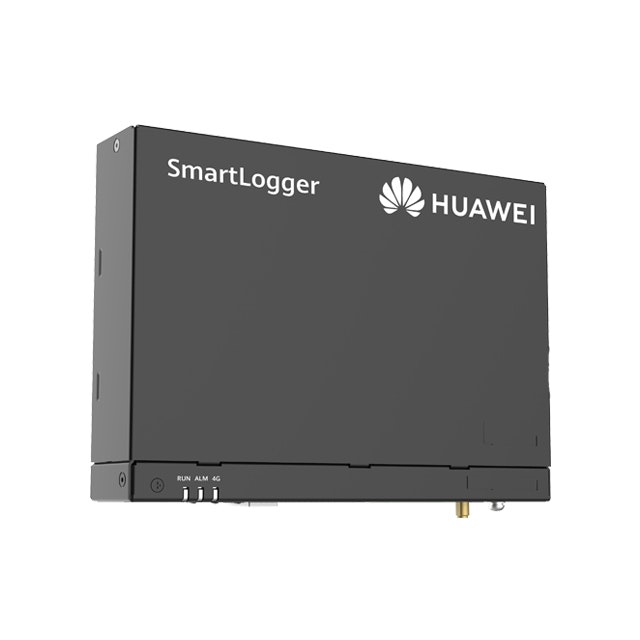
The Huawei SmartLogger can be used to read and control energy meters/solar inverters/batteries.
Wiring - Ethernet
For correct ethernet wiring: Follow the the guidelines for ethernet wiring.
Configuration
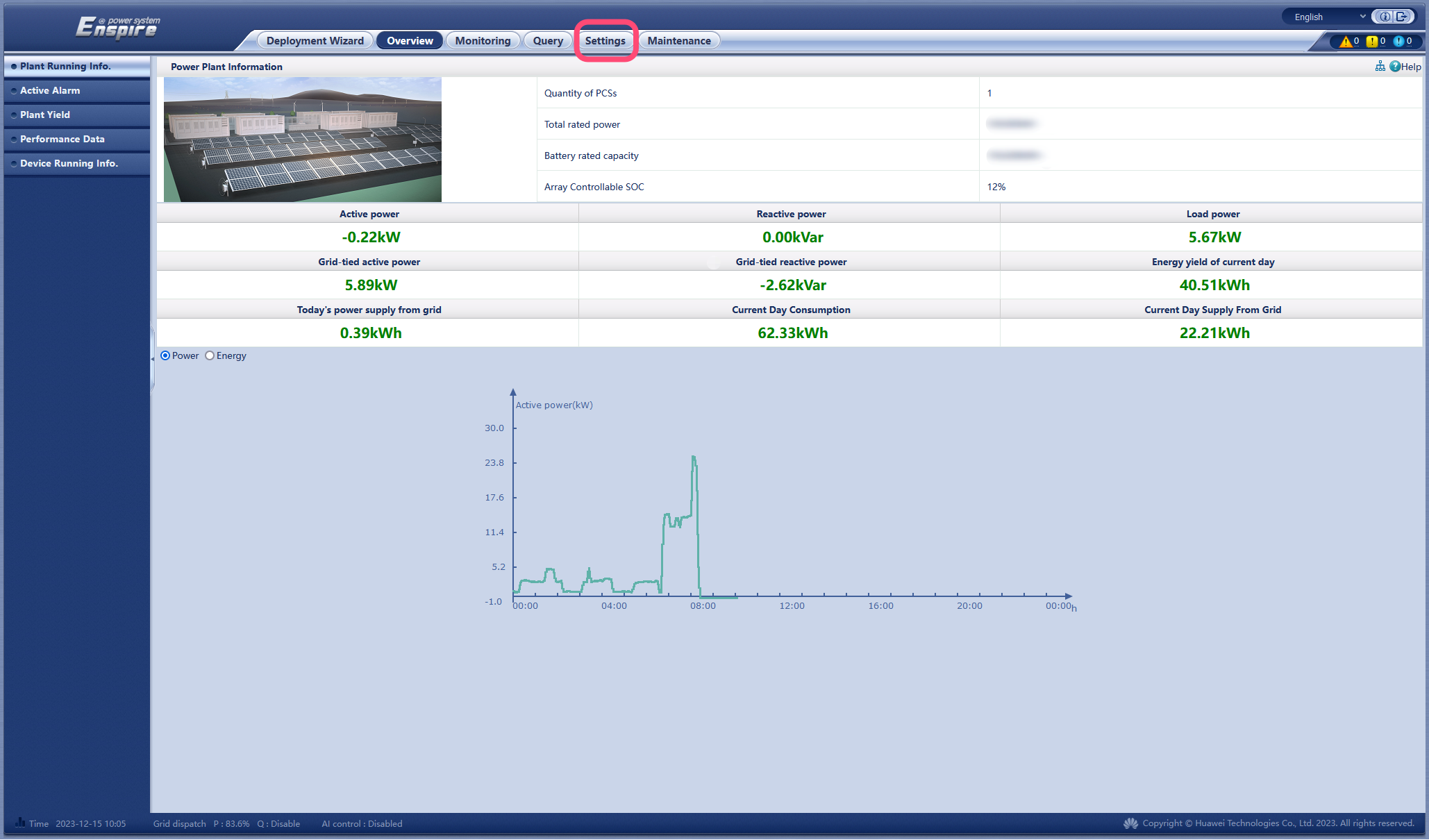
1. Activating Modbus in the SmartLogger
- Surf to the IP address of the SmartLogger.
- Login to the SmartLogger (default password: "Changeme").
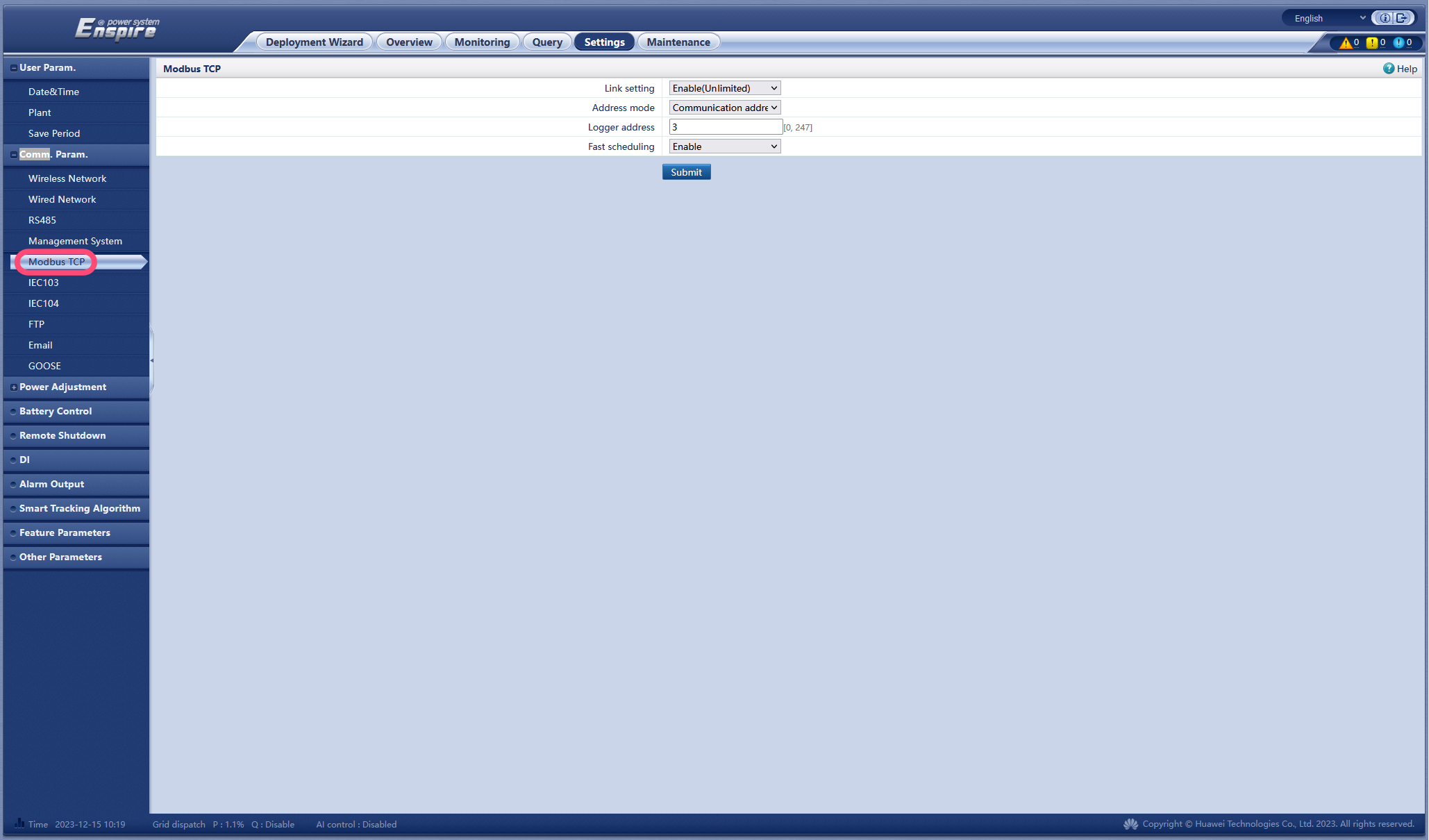
- Change “Link setting” to “Enable (Unlimited)”.
- Set “Address mode” to “Communication address”.
- Choose the Modbus address of the logger. We recommend that this is different from the addresses of the inverters (see also the next step in the manual).
- Click submit.
2. Device Modbus Addresses
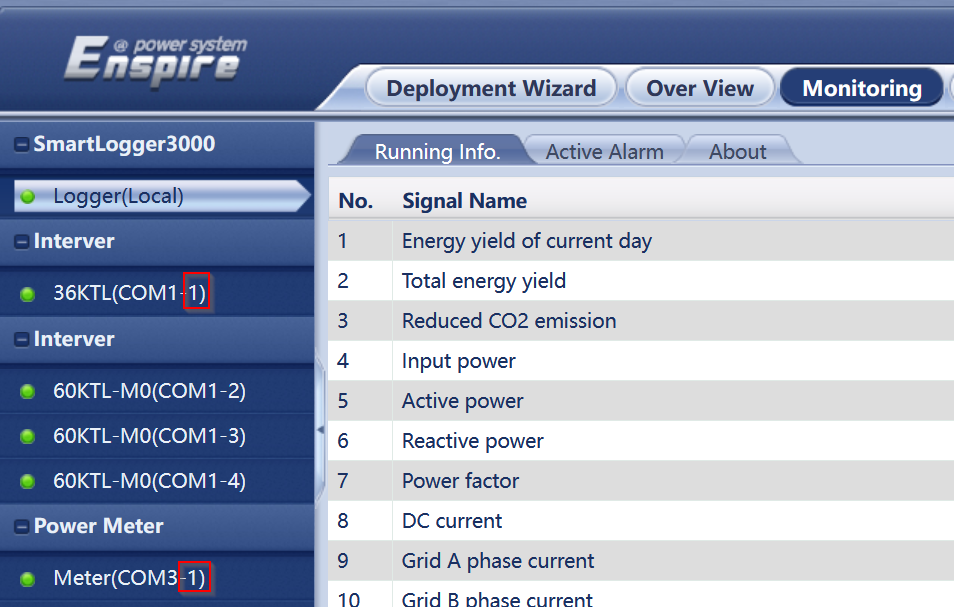
The smartlogger can connect both inverters and energy meters via 3 COM ports. Adding and giving Modbus addresses can be done automatically or not.
However... all Modbus addresses must be different!
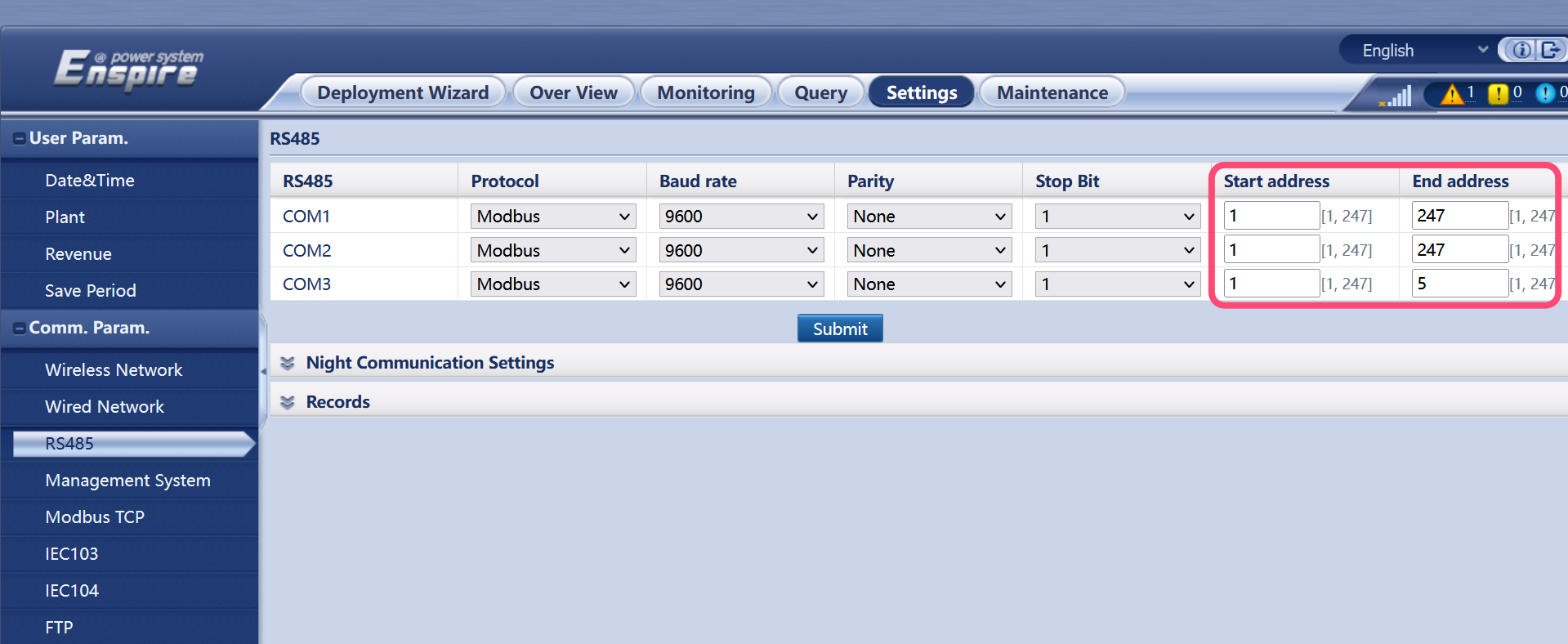
To adjust this, it is best to first adjust the possible addresses per COM port so that there is no overlap.
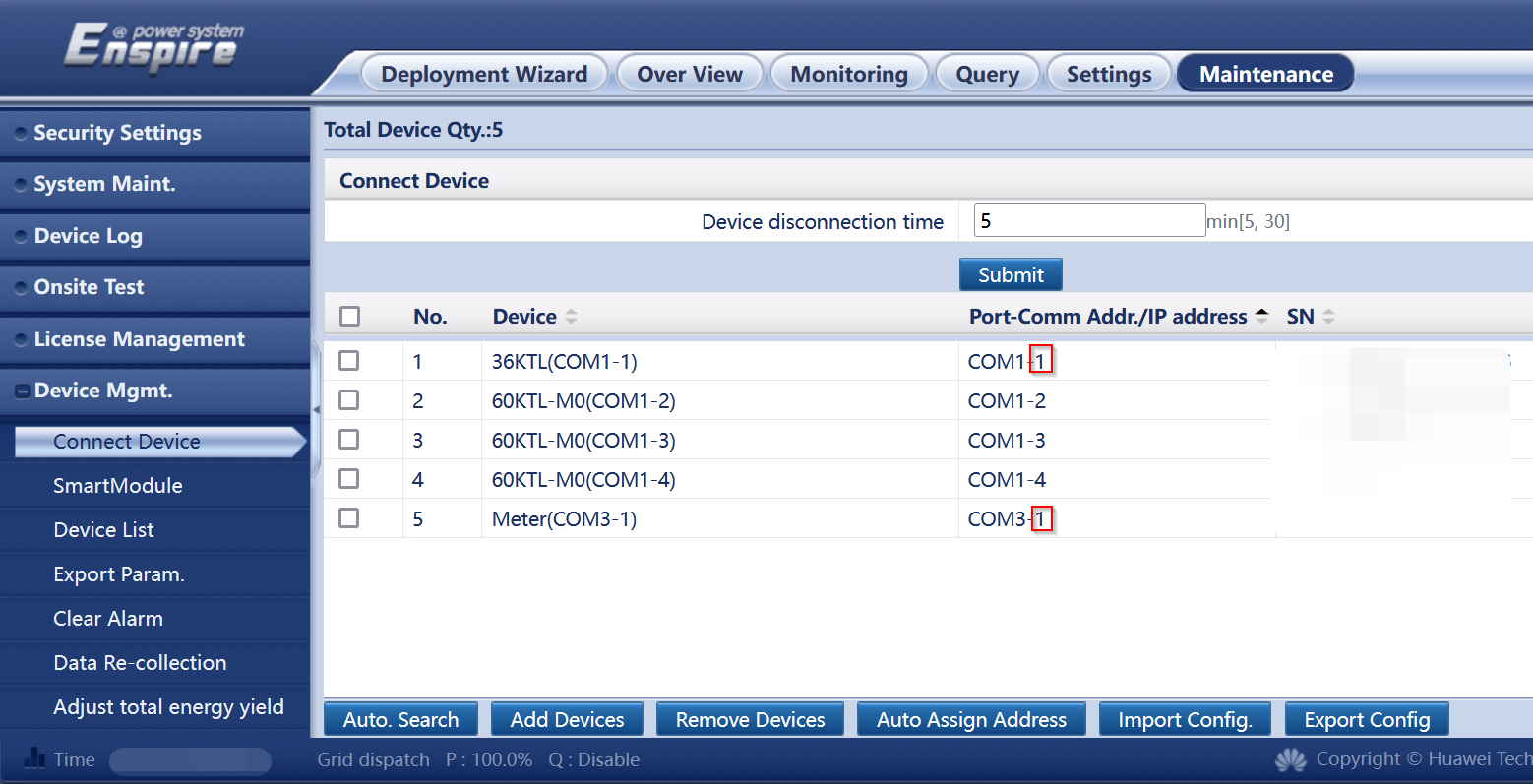
Then you remove the devices with the same address and add them back with an address different from all other devices.
Last updated December 11, 2025Edit this page