
HomeWizard Energy Meters
Supported Devices
| Device Type | Modbus TCP (Ethernet) |
|---|---|
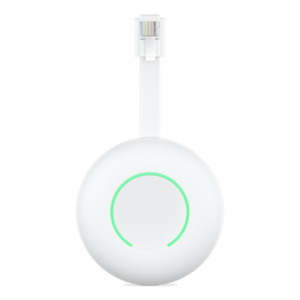
| HomeWizard Wifi P1 Dongle | ✅ |
| HomeWizard Wifi 1-Phase Meter | |
| HomeWizard Wifi 3-Phase Meter | |
| HomeWizard Wifi Energy Socket |
The Energy Socket can be added as an energy meter to monitor the consumption of a single appliance without ever switching it. See the Energy Socket page for details on the switched-load and energy-meter use cases.
Configuration
To communicate with your HomeWizard device the local API must be enabled.
- Open the HomeWizard Energy app.
- Go to "Settings"
- Go to "Meters"
- Select the meter you want to connect to.
- Enable the "Local API" option.
Last updated August 10, 2026Edit this page