SmartgridOne logo
SmartgridOne logo
Quick StartInstallationNetworkWiring & connectivity guidelinesApp
AgrolaAutarcoAxpoBEE EnergyCompanion EnergyDynamic Energy TradingDexterDNO Relay ControlEdmijEnergy Flexibility Solutions (EFS)EliaEnervalisEngiePlan-ahead APIEPEX Spot SolarEuropean CommoditiesFlowerFrank EnergieFuseboxGreenchoiceHallostroomImbyJoulenKratTradeNew integrationsNext EnergyOpinumParagraph 14a IntegrationPleeviRepoweredScholtTrevionVGT EnergyYuso - Battery ControlYuso - Solar Curtailment
SpecificationsStatus LEDsControl response timeVideo tutorialsCertificatesLicenseSafety, maintenance and legal notices
External Signals
VGT logo

Setting up VGT Energy

Supported Devices

Device TypeVariantsSupported
Solar InvertersAll⌛ (coming soon)
Storage Devices✅
EV Chargers❌

Notifying VGT Energy

This includes the SmartgridOne Controller Serial Number, and the SiteID, which is the same as the Serial Number with '_site_0' appended at the end.

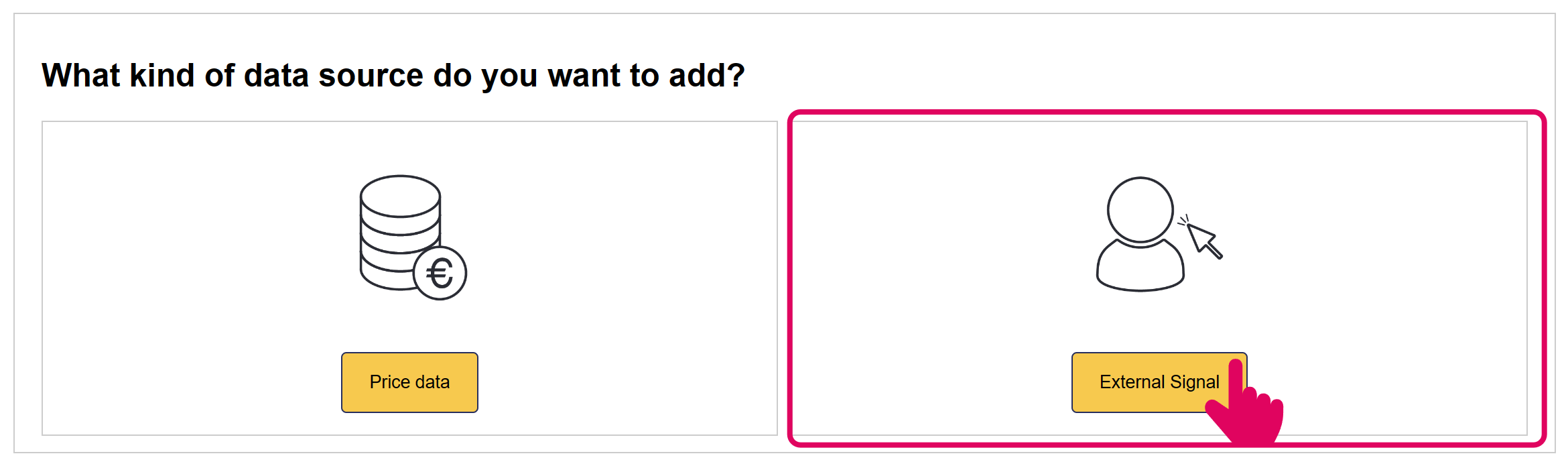
Add 'VGT Energy' External Signal
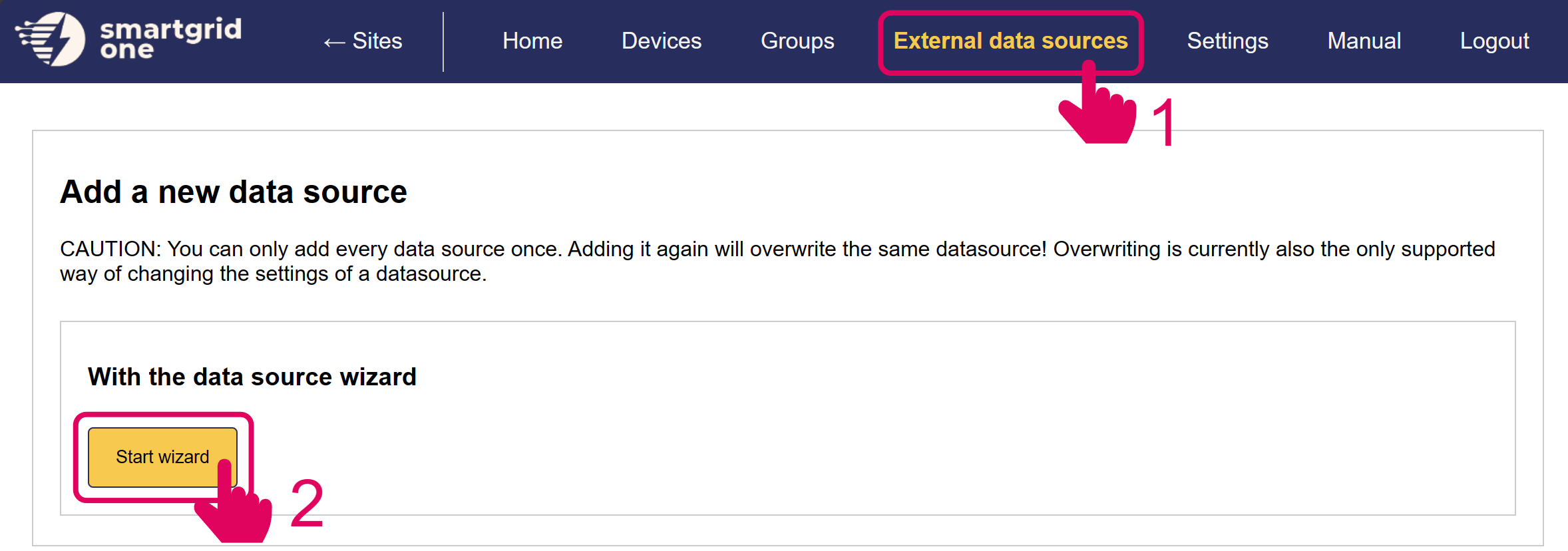
Image 1
Image 1

In the next page, you have the option to include/exclude devices for remote control. Ensure to mark all checkboxes of devices you'd like to include.

Note

When using multiple batteries, they are aggregated into one (virtual) asset.
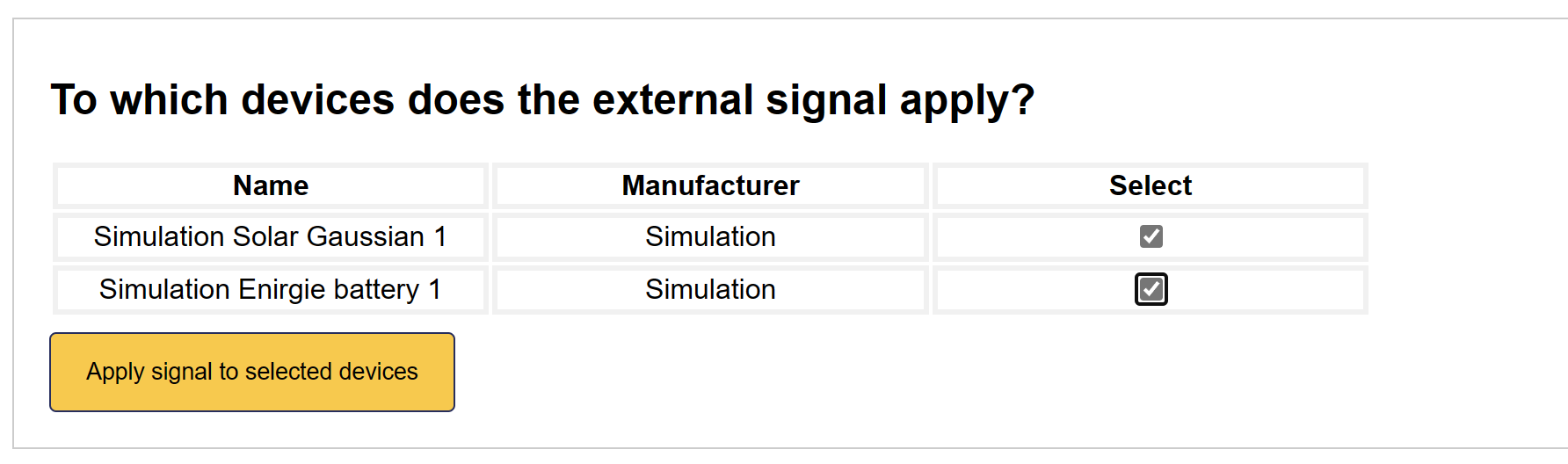
Image 1

'VGT Energy' is now set up on the SmartgridOne Controller.

Trevion

Previous Page

Yuso - Battery Control

Next Page

On this page

Setting up VGT EnergySupported DevicesNotifying VGT EnergyAdd 'VGT Energy' External Signal