

Falowniki SolarEdge SE2200H - SE6000H
Obsługiwane urządzenia
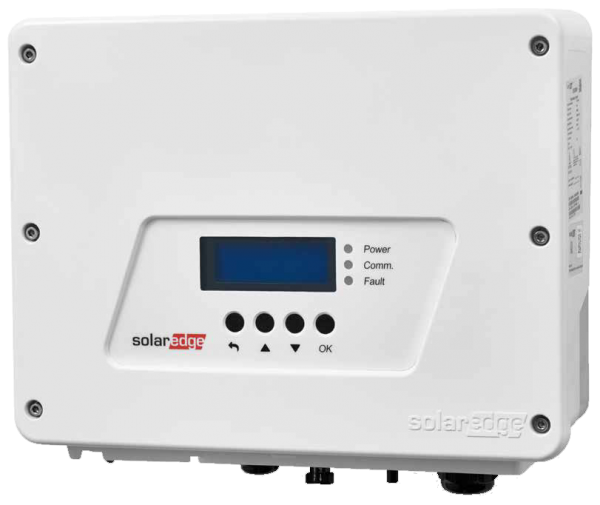
| Device Type | Modbus TCP (Ethernet) | RS485 | Curtailment |
|---|---|---|---|
| SolarEdge SE2200H | ✅ | ✅ | ✅ |
| SolarEdge SE3000H | |||
| SolarEdge SE3500H | |||
| SolarEdge SE3680H | |||
| SolarEdge SE4000H | |||
| SolarEdge SE5000H | |||
| SolarEdge SE6000H |
Okablowanie
Dla prawidłowego okablowania Ethernet: postępuj zgodnie z .
Konfiguracja
Aktywacja komunikacji Modbus TCP
W menu przejdź do "Communication" -> "LAN Conf" -> "Modbus TCP" i aktywuj Modbus TCP.
Po aktywacji Modbus TCP zostanie wyświetlony następujący ekran statusu:
Modbus TCP: <status>
IP:192.168.1.210
Port:502