SmartgridOne logo
SmartgridOne logo
Quick StartInstallationNetworkWiring & connectivity guidelinesApp
1. Link to your account2. Accessing commissioning interface3. Grid limits4. Location / address5. Add grid energy meter6. Add other devices7. Grouping devices
9. PV panel configuration10. External control signals
Adding a deviceAdvanced settingsBackupEnergy storage and EVsBattery maintenance chargeData usageDC-Linking Inverters and BatteriesDirect relay or switch controlEnergy CostsPhase imbalance correctionPredictionsPrioritiesRescale energy meter readingsFactory resetReverse energy meter readingsTesting and manual overrideUser managementConfiguring a fixed IP address in Windows
SpecificationsStatus LEDsControl response timeVideo tutorialsCertificatesLicenseSafety, maintenance and legal notices
Configuration from A to Z11 Extra Information

Testing and manual override

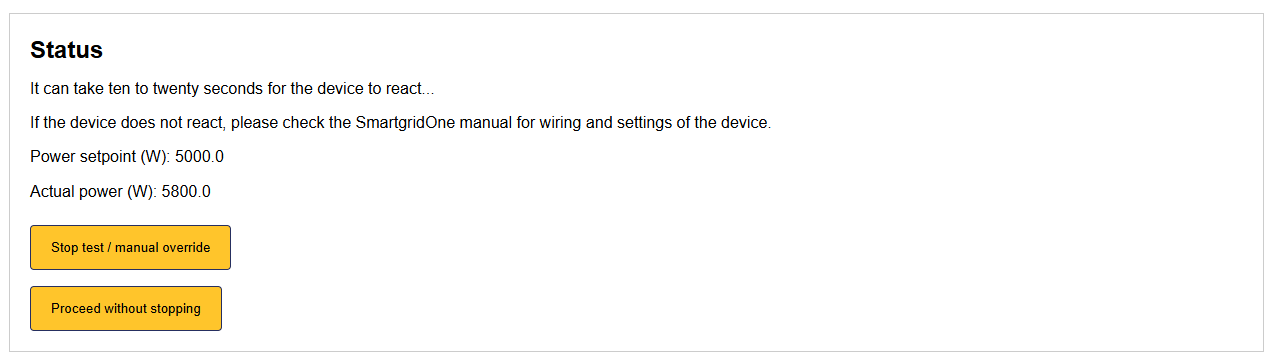
You can test if a device reacts properly to a control signal / manually override the control with the "Test/manual override" button from the "Devices" tab. This will give a specific setpoint to the device.

Tip

By default the override will last for 5 minutes, but you can extend this to any time you like. This function can thus be used for a manual override for any given amount of time.
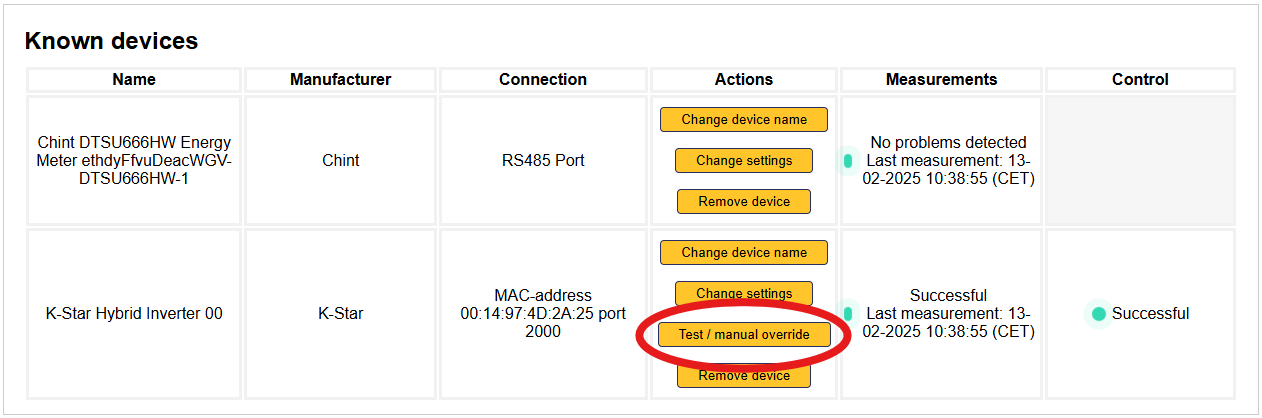
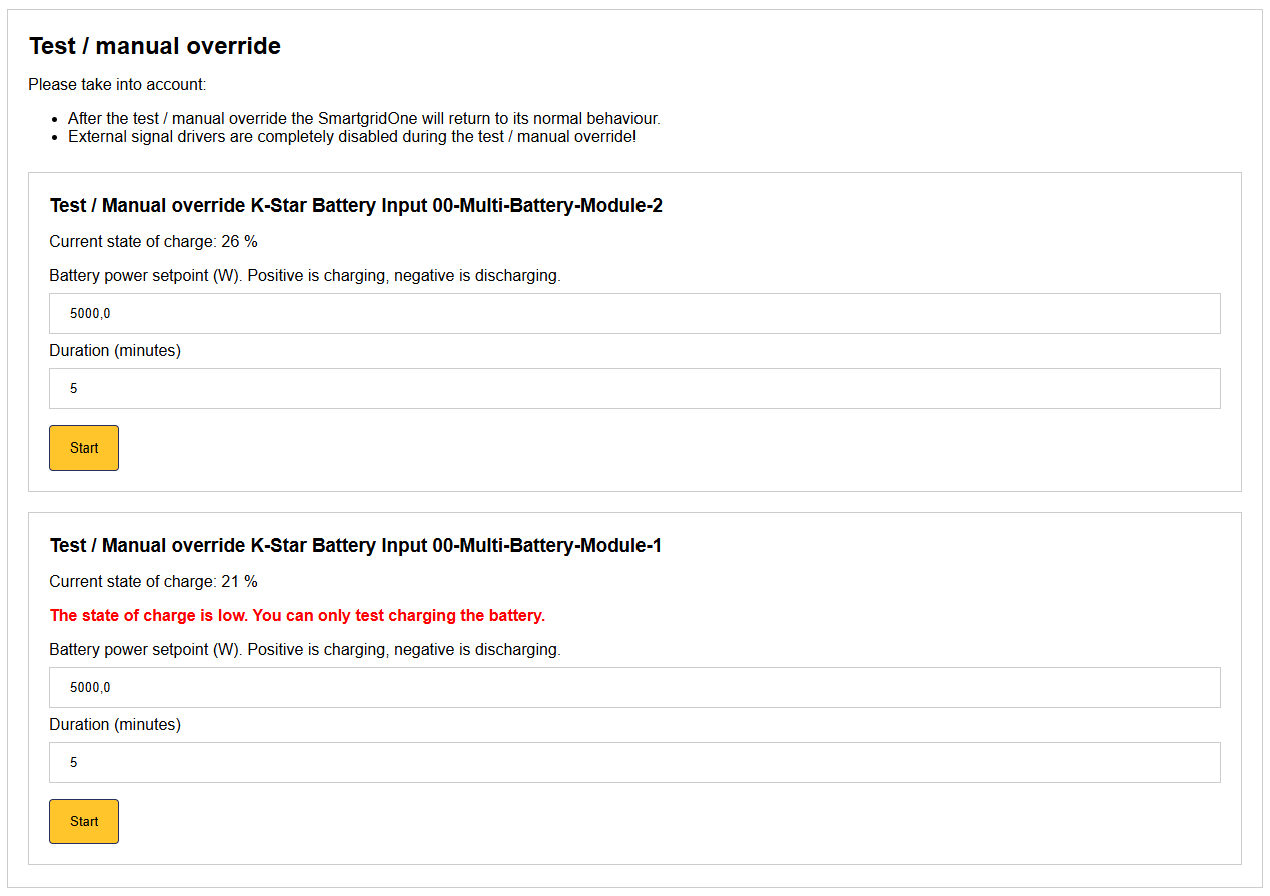
Image 1
Image 1
Image 1

Reverse energy meter readings

Previous Page

User management

Next Page

On this page

Testing and manual override