

SolarEdge SE2200H - SE6000H inverters
Supported Devices
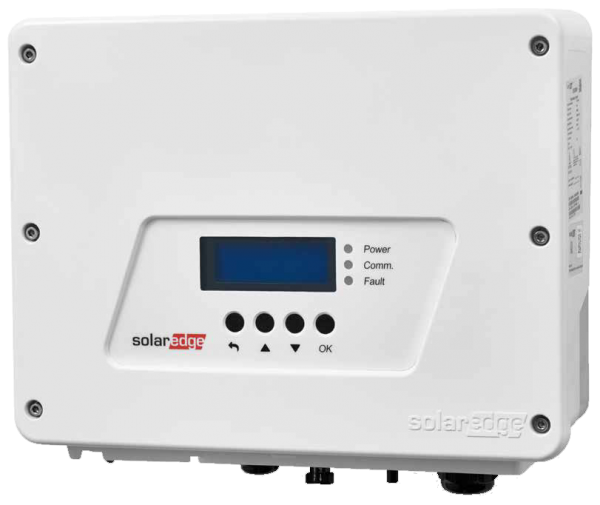
| Device Type | Modbus TCP (Ethernet) | RS485 | Curtailment | Minimum device firmware version |
|---|---|---|---|---|
| SolarEdge SE2200H | ✅ | ✅ | 🔶 (see warning below) | v3.0 (Tip: if the SolarEdge SetApp works, the firmware will be recent enough) |
| SolarEdge SE3000H | ||||
| SolarEdge SE3500H | ||||
| SolarEdge SE3680H | ||||
| SolarEdge SE4000H | ||||
| SolarEdge SE5000H | ||||
| SolarEdge SE6000H |
Warning
Warning
CURTAILMENT IS ONLY SUPPORTED AFTER OBTAINING AN AGREEMENT WITH SOLAREDGE
If curtailment is not working on your SolarEdge device, it is probably not enabled by SolarEdge. Reach out to SolarEdge to enable control of your devices. [!WARNING] SolarEdge refuses to help customers with curtailment!
Wiring
For correct ethernet wiring: Follow the the guidelines for ethernet wiring.
Configuration
Activating Modbus TCP communication
In the menu, navigate to "Communication" -> "LAN Conf" -> "Modbus TCP", and activate Modbus TCP.
When Modbus TCP is activated, the following status screen will be displayed:
Modbus TCP: <status>
IP:192.168.1.210
Port:502
Last updated June 8, 2026Edit this page